Windows could not start because of a computer disk hardware configuration problem.

Could not read from the selected boot disk. Check boot path and disk hardware.

Please check the Windows documentation about hardware disk configuration and your hardware reference manuals for additional information.
How to Fix?
Requirement : Bootable OS in DVD/USB (Here im using as Win 7 is my Operating System)
1. Change your Boot Setting into USB/DVD as a First boot device.
2. "Install windows" screen will appear.
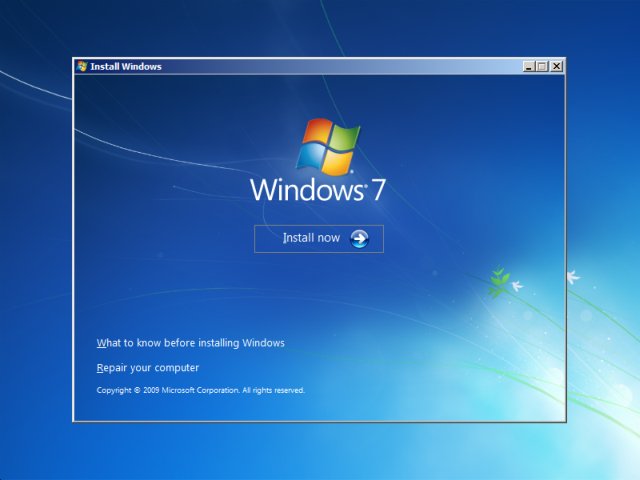
3. Choose "repair your computer" option in the left corner down.
4. System Recovery Options screen appears
5. Click Start up Repair.
6. Done .. Remove the USB/DVD and change the boot settings.
